

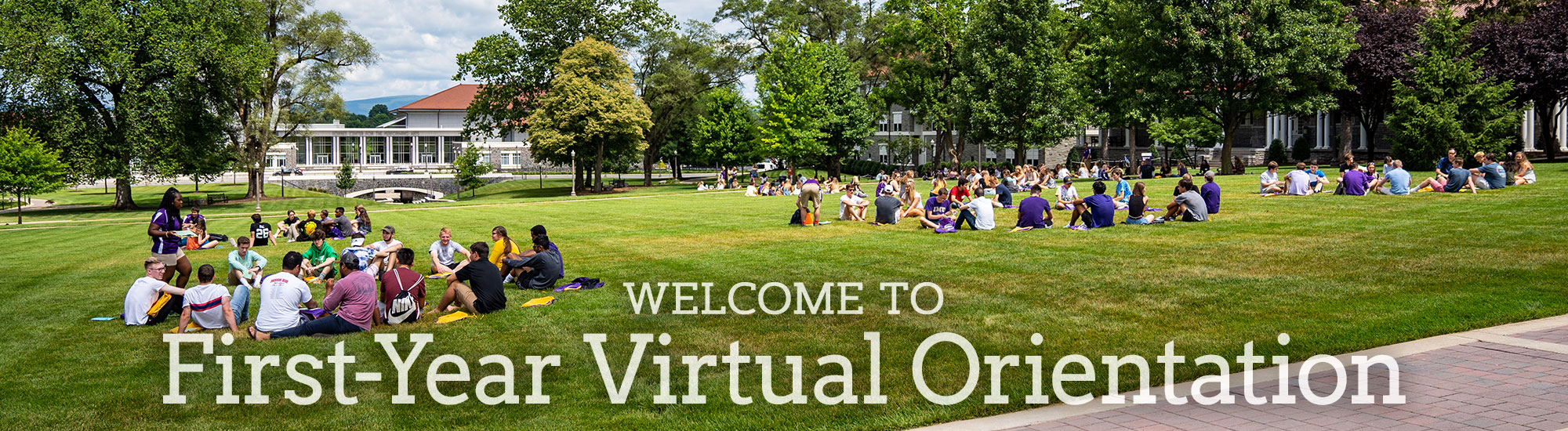
Welcome to JMU and your Orientation day!
We are excited to meet you and support you in your transition to JMU. Throughout the orientation experience, you will have the opportunity to learn more about what it means to be a Duke and get to know the JMU community.
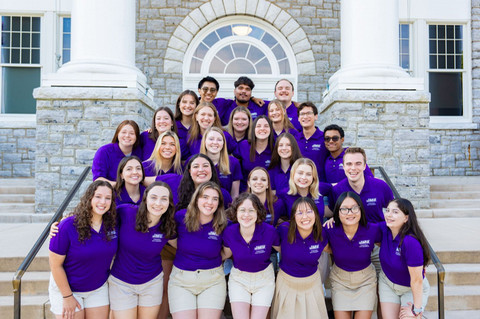
During Orientation, you will meet your Orientation Peer Adviser who will serve as a resource, mentor and guide throughout your transition. You will also meet other new students, learn more about the academic expectations, and meet with your academic advisor.
We are here to help you connect to Madison and show you the opportunities that exist within your new community.
Need assistance or have a problem?
Your Personal Schedule
Hello, !
Major:
This is your personal schedule. Please bookmark this page for future reference.
11:30 - 11:50 a.m. -
We look forward to officially welcoming you to the JMU community. You will learn more about academics and preparing for college.
12:00 - 12:50 p.m. -
The password for the meeting is OPA2025
Your OPA (Orientation Peer Adviser) will be instrumental in helping you with your transition. They have tips and information about what life will be like as a JMU student, and give you the scoop on how to succeed academically and socially. Learn about the expectations of being a part of the JMU community while learning about resources that can aid you in your transition.
1:00 - 1:45 p.m. -
We expect you to make informed decisions about your academic career. Based on your major, college leadership will share information about how to progress and be successful academically.
1:55 - 2:40 p.m. -
Coming to college provides opportunities to connect with new people and experiences. This session focuses on building the skills to make meaningful connections when you arrive in August.
2:50 - 3:45 p.m. - Campus Showcase
Learn about all the resources and programs that are here at JMU to support you. Students will be able to choose two of the available sessions during this time. The first session starts at 2:50, and the second session starts at 3:20.
- Academic Success Toolkit
- Community Service and Volunteering
- Getting Involved
- Greek Life
- Internships and Career Planning
- Level Up Your Well-Being at JMU
- Living on Campus
- Navigating Campus
- Study Abroad
- Working on Campus
- Your Ultimate Guide to Recreation, Sports Clubs, and Getting Active at JMU
3:50 - 4:15 p.m. -
Your OPA will provide you with the details you need to prepare yourself for move-in and Weeks of Welcome.
4:15 - Program Assessment & Campus Networking
We want to know about your Orientation experience. Once you've taken our survey, reach out to campus departments to get any remaining questions answered.
Top Ten Ways to Prepare for Orientation
- Communicate with others about your schedule to avoid interruptions.
- Set up a comfortable and quiet space.
- Grab snacks and drinks before you start.
- Avoid multitasking during your sessions.
- Prepare questions ahead of time.
- Have a pen and paper ready for notes.
- Plan to use a laptop or desktop computer.
- Check your internet connection, links, audio and video in advance.
- Contact Orientation at orientation@jmu.edu if you have questions.
- Show your spirit by wearing something JMU or using one of the JMU virtual backgrounds.

Internet Access
Participating in virtual orientation programs requires access to reliable internet. This virtual Orientation is designed to be experienced on a computer, but if access to a computer is difficult, a phone with web browsing capability may work for parts of it. If you are concerned about your internet access, there are a variety of resources available to help ensure you are able to join the virtual orientation programs.
First, let us know if you are dealing with a problem related to internet access so we can help offer alternative options and notify others about your situation.
Second, public spaces such as libraries and coffee shops may offer free internet access. Please continue to practice social distancing and prioritize your safety if you visit these spaces. Here are maps of locations offering public wifi:
MSC 0101
100 East Grace Street
Harrisonburg, Virginia 22807


