

New Login Prompt on JMU Mac Computers
Information Technology-Computing



If you have a JMU-issued Mac computer, please be aware of an upcoming configuration change. Employees and affiliates with JMU Macs will soon be prompted to enter their eID and password in a new popup window. The change is related to a new version of JMU Self Service and other changes including the removal of a Kerberos Authentication extension that was used to keep your Mac password in sync with your eID password. When the change becomes effective (currently scheduled to begin July 22), you will see a notification on your screen similar to the following:
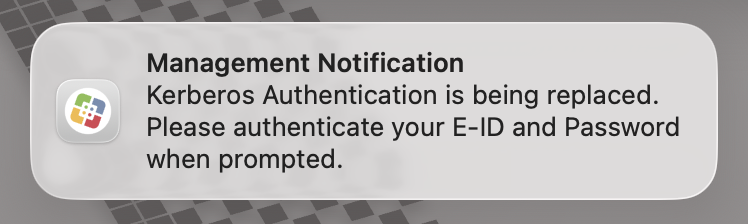
The notification will be followed by a new login window containing the familiar JMU Self Service icon:
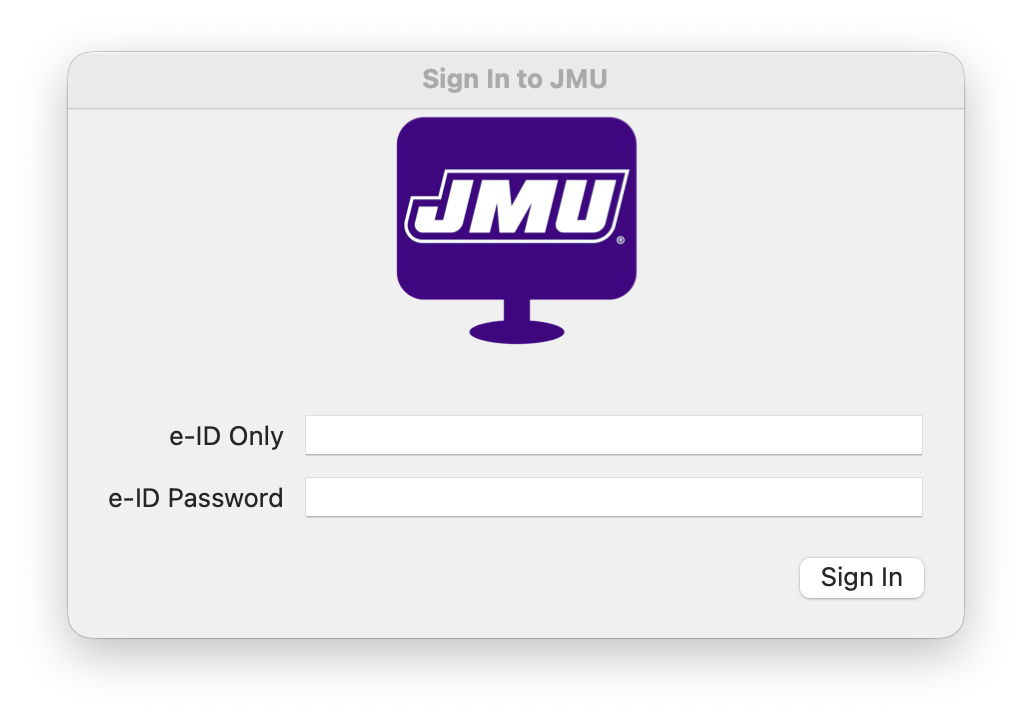
When you receive the notice and prompt, please enter your eID and password as requested, and the change process will be complete. More information regarding this change, including how it appears on new JMU Macs, is available in the IT Knowledge Base.
If you have questions or require assistance, please contact the IT Help Desk at 540-568-3555 or helpdesk@jmu.edu.


