
Search JMU Web | Find JMU People | Site Index   

Version 1.1 (October 2002)


Version 1.1 of the JMU Web Manager, released on Oct. 4, 2002, includes a number of bug fixes and new features as listed below:


New Looks

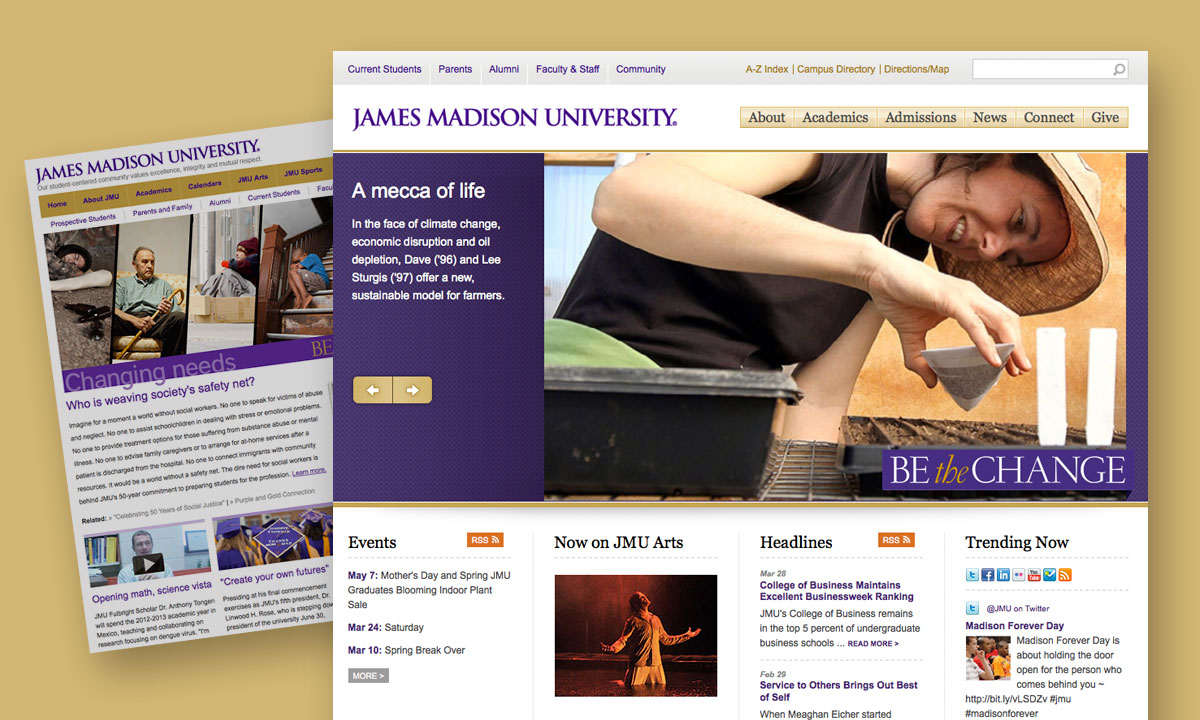
The first two of the new "J" series looks ("campus" and "student life") make their debut in the new version. Each series features as many as seven different color accents. The new looks, based on President Madison's signature and featuring a rotating photo series underneath the navigation area, can be used for new sites or applied quickly to any existing site with the "Change Look" command in the Web Manager Control Panel.


The new looks will coordinate with the upcoming redesign of the top levels of JMU's Web site and provide several new features including access to JMU's Web Search, People Finder and Site Index tools on each page and and optimized printing via cascading style sheets.


At least nine of the "J" series will be added to the Web Manager during the fall and early winter.


Microsoft Word

If you use Microsoft Word to prepare your content for the JMU Web Manager, you'll be able to take advantage of the following new features:


Video Help

Video help is now available from each help icon (Question Mark icon -- Help Video button) throughout the Web Manager.


Bug Fixes/Interface Improvements

Additional changes to the JMU Web Manager:

Your HTML file upload is no longer limited to 32K … multiple megabyte uploads are now possible

Pop-up Windows have been eliminate for file upload

After you upload your HTML, your view is switched to WYSIWIG so you can see right away how your file displays.  Your HTML code is accessible only one click away.

Word files containing spaces no longer generate errors.

The amount of time you can be idle without having your session expire has been lengthened.

Custom formatted bullets in Word now display correctly in Netscape Navigator

Macintosh files no longer generate errors or corrupted HTML

A new look has been applied to the Web Manager itself.