Search JMU Web | Find JMU People | Site Index   

JMU Web Manager FAQ

What is the JMU Web Manager?

The JMU Web Manager provides an easy interface for creating and maintaining official JMU Web sites. Using nothing more than software already on their desktops, JMU Web publishers can produce and maintain up-to-date, professionally designed Web sites with little or no knowledge of HTML and minimal investments of time and money in software and training.


What HTML editors can I use with the JMU Web Manager?

The HTML content you import into the JMU Web Manager can come from almost any program capable of producing an HTML document; however, the initial version of the JMU Web Manager specifically supports the following HTML editors*:

•  Microsoft Word 2000 (Windows)

•  Microsoft Word 98 (Macintosh)

•  Macromedia DreamWeaver (Mac and Windows)

•  Microsoft FrontPage 4.0 and greater (Windows)#

*HTML from other editors may or may not be rejected by the Web Manager.


How does the JMU Web Manager work?

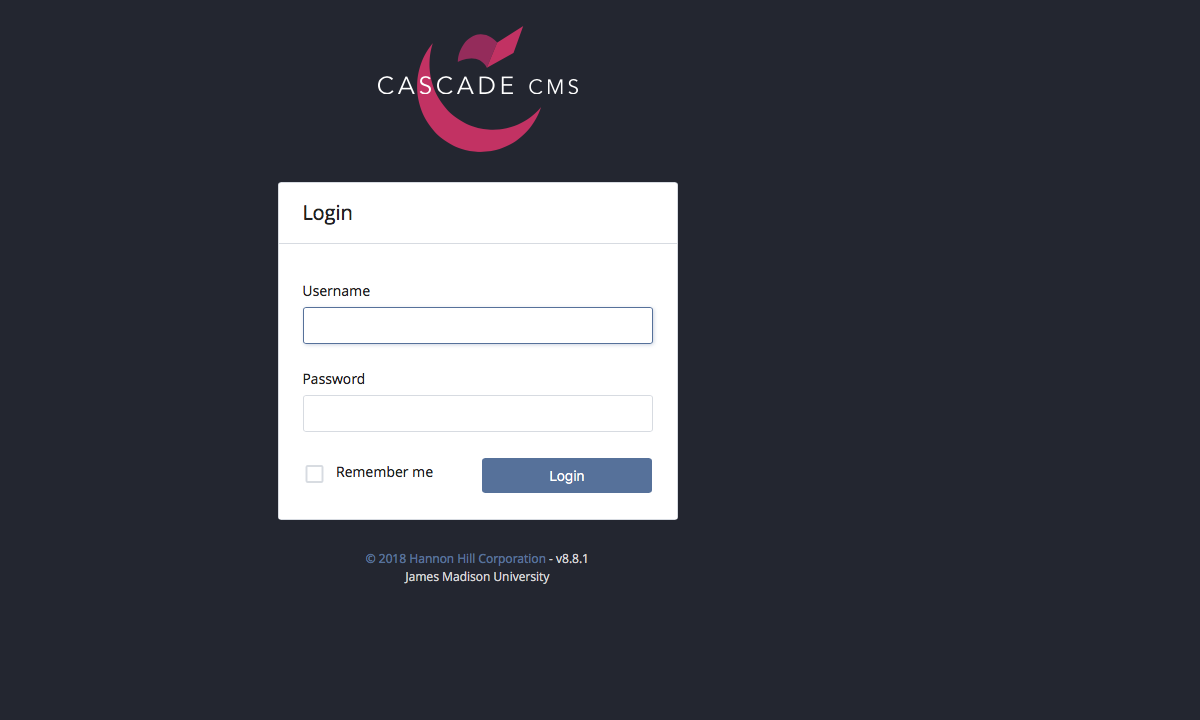
Once you have been given access to the JMU Web Manager, you can log in to the Web Manager at https://www3.jmu.edu/webmanager/

When you first log in to your site, you will be required to complete several setup tasks:

•  choose a "look" for your site

•  create your site's home page


The JMU Web Manager will then create a "preview" site where all of your work in the JMU Web Manager will be displayed.  The preview site allows you to try out changes to your site without affecting what your Web visitors will see on your "live" site. Only when you "Update the Live Site" from the JMU Web Manager Control Panel will any files on live site change.


What if I click "Update the Live Site" by accident?

The JMU Web Manager will ask you to verify that you really want to "Update the Live Site." Once you click "Update the Live Site" and then verify your choice on the resulting pop-up, your live site will be updated.


Where are my pages kept?

The JMU Web Manager produces HTML pages and uses FTP to transfer them to your Web site & usually at http://www.jmu.edu/yoursitename

The JMU Web Manager does maintain copies of your most recently edited work on a preview site at yoursitename/wm_preview. Additionally, the JMU Web Manager holds portions of your edited content in its database to facilitate your next editing session.


If the JMU Web Manager crashes, does that mean no one can reach my site?

No. Since the JMU Web Manager produces static HTML pages and places them on your Web site, your Web visitors are not affected by the status of the JMU Web Manager.


What happens if my computer crashes while I'm using the JMU Web Manager?

While there is a chance that you may loose some of your work most recent work, your activities in the JMU Web Manager are saved as you move from screen to screen.  Simply reboot your computer, open IE and log back in to pick up where you left off.


What happens if I leave my machine unattended while I'm using the JMU Web Manager?

JMU Web Manager sessions are terminated after 20 minutes of inactivity to preserve system resources.


Can I use my normal Web design program (like FrontPage or DreamWeaver) to edit the pages created by the JMU Web Manager?

Yes, but you probably shouldn't. Since the JMU Web Manager-generated pages are simply static HTML files on your Web site, you can edit them as you have any other HTML file on your site in the past.  However, if you do, the JMU Web Manager will not be aware of those edits and will over-write them the next time you edit your site in the JMU Web Manager.


Do I have to use the JMU Web Manager?

No.  The JMU Web Manager was created to assist JMU offices and departments in creating easy-to-maintain, professionally designed Web sites that meet JMU's Web Page Style and Standards. Organizations that plan to do sophisticated Web application development may elect not to use the JMU Web Manager.


Can I publish to web.jmu.edu?

The JMU Web Manager is able to publish to any Web server accessible via File Transfer Protocol (FTP). JMU's centrally supported Windows 2000 servers (web.jmu.edu, people.jmu.edu, orgs.jmu.edu, etc.) are not open to FTP.  Most JMU Web Manager sites will be be on www.jmu.edu.


What if I want a different look for my site than those available?

About 20 "looks" will always be available by default for JMU Web Manager sites. New looks will be added periodically, probably two or three new looks every month. JMU Web Manager looks are created by graphic designers from the JMU Identity Leadership Team. While there is no provision for publisher-prepared looks to be added to the JMU Web Manager, ILT staff will work with individual departments and programs to meet special needs.


Will there be additions to the list of "looks?"

New looks will be added periodically to the list of default looks.  Old looks may also be retired after a period of time.  Additional information will be published at  in coming months.


Why do I have to use Internet Explorer 5.5 to access the JMU Web Manager?

The JMU Web Manager uses a signficant amount of JavaScript that is executed by the publisher's browser.  Since Javascript varies from browser to browser, restricting use of the JMU Web Manager to IE 5.5 significantly reduced development time.


Does that mean Netscape users can't see my site if I use the JMU Web Manager?

Not at all.  JMU Web Manager pages are intended to be readable by 3.0 browsers and above; 4.0 browsers should see few, if any, defects in JMU Web Manager pages, while 5.0 and later browsers should render pages in almost identical fashion to the previews displayed within the JMU Web Manager.


Are you working on additional features for the JMU Web Manager?

Yes.  Some of the features we expect to debut before fall include an integrated keyword-based search of JMU photography for selecting photographs for Web pages and a forms wizard to generate interactive forms on your site.


Where do I find JMU's Web Page Style and Standards?

JMU's Web standards, first published in July 2000, are located at http://www.jmu.edu/ur/identity/


How do I report problems/bugs?

JMU Web Manager is in test status, so you are likely to find bugs & In fact, that's why we've asked you to be the first to try it out.  It's very important that you give us as much detail as possible when you run into a problem.  We'd prefer that you do that by sending email to  with some or all of the following information:

•  Save the error message, if any, and attach it to the email

•  If the problem occurred while uploading a file, attach a copy of the file

•  What page were you on or what activity were you doing

•  What operating system are you using ( Windows 98, Windows 2000, Mac OS 9, etc.)

•  What time of day did the problem occur?

•  Could you make it happen again (by closing your browser, opening it again, logging in and repeating the procedure that generated the error initially)?


When will the testing phase be complete?

This is largely dependent upon how many bugs we find and how hard they are to fix.  The more rigorous your testing, the sooner we'll be able to identify problems and make fixes.